blog
User Interface vs User Experience: A Complete Guide
By Mohan S App development Digital transformation April 6, 2026

Introduction to UI and UX
Have you experienced this recently? You download an app that looks amazing: stunning visuals, trendy animations, and all the works. But five minutes in, you’re hitting a wall because the “Buy” button is buried or the navigation feels like a maze. You delete it. That friction is the exact moment where the gap between UI vs UX becomes evident.
UI and UX design are terms often tossed around as synonyms in job boards and frantic product meetings. However, they represent two distinct sides of the same product experience.
UI (User Interface Design) focuses on the visual elements users interact with, while UX (User Experience Design) shapes the overall journey and functionality.
Understanding what is UI vs UX is essential in modern product development. Even as AI-driven workflows continue to evolve in 2026, the difference between user interface design and ux interface design determines whether a product merely looks appealing or actually works smoothly.
What Is UI Design?
Core Definition
User interface design is the art of the tangible. It is the presentation layer where designers build every visual and interactive element that lives on a screen.
If UX acts as the architect of a digital experience, UI design and UX design work together, where UI becomes the builder translating conceptual blueprints into pixel-perfect visuals.
Through user interface design, abstract ideas become something a user can click, tap, or swipe.
Key UI Elements
When discussing the difference between UI & UX, UI focuses on the elements users directly interact with on screen.
Key to Great UI include:
Interactive Components
UI designers refine details like button states so users clearly understand when they hover, click, or disable an action.
Micro-interactions
Small animations provide feedback and make interfaces feel responsive and dynamic.
Visual Communication
Icons, symbols, and visual cues help convey meaning faster than text.
These elements collectively shape the visible side of UI and UX design.
Visual Layout
Structure plays a crucial role in UI and UX design.
UI designers rely on grid systems and responsive layouts so interfaces function across devices, from large desktop screens to mobile phones.
White space is also strategically used to reduce cognitive overload. Once users learn the interface pattern, they should not need to relearn navigation on each page.
Consistency is central to effective user interface design.
Color and Typography
Color and typography play a powerful role in user interface design.
These elements influence perception, usability, and accessibility.
Color psychology affects user behavior:
- Red signals warnings or urgency
- Blue often represents trust and productivity
Typography similarly communicates tone and readability. Designers balance brand identity with accessibility standards like WCAG so content remains readable for all users.
Interactive Components
Interactive components sit at the frontline of UX interface design.
Examples include:
- Form validation that prevents user errors
- Navigation menus that guide users through complex applications
- Feedback indicators that confirm actions
These features provide instant acknowledgement when users interact with digital interfaces.
What Is UX Design?
Core Definition
User experience design focuses on the “why” and “how” behind a product’s functionality.
While UI designers refine visual elements, UX designers shape the broader system of interactions.
They design the entire journey from when a user first discovers a product to when they complete a task.
Understanding the difference between UI & UX reveals that UX focuses on solving problems, reducing friction, and designing logical product flows before visual design begins.
Key UX Elements
Principles that govern great UX Design includes:
User Research
Collecting insights from interviews, usability testing, and behavioral analytics.
Psychological Frameworks
Applying cognitive principles like Hick’s Law to simplify decision-making.
Strategic Deliverables
Creating personas, user journeys, and task flows to map the product experience.
These frameworks guide the structure behind successful UI and UX design.
User Research
User research forms the foundation of UX interface design.
Instead of relying on assumptions, UX designers observe real user behaviour.
They study context:
- Are users rushed?
- Are they confused or frustrated?
- What problem are they trying to solve?
Using interviews, usability tests, and analytics ensures that UI and UX design decisions are grounded in real user needs.
Information Architecture
Information architecture is the structural backbone of interface design.
It organizes content in ways that match how people naturally categorize information.
Principles like Jakob’s Law influence this process. Since users spend most of their time on other websites, familiar navigation patterns make experiences intuitive rather than confusing.
Good information architecture ensures users can find what they need quickly.
Wireframing and Testing
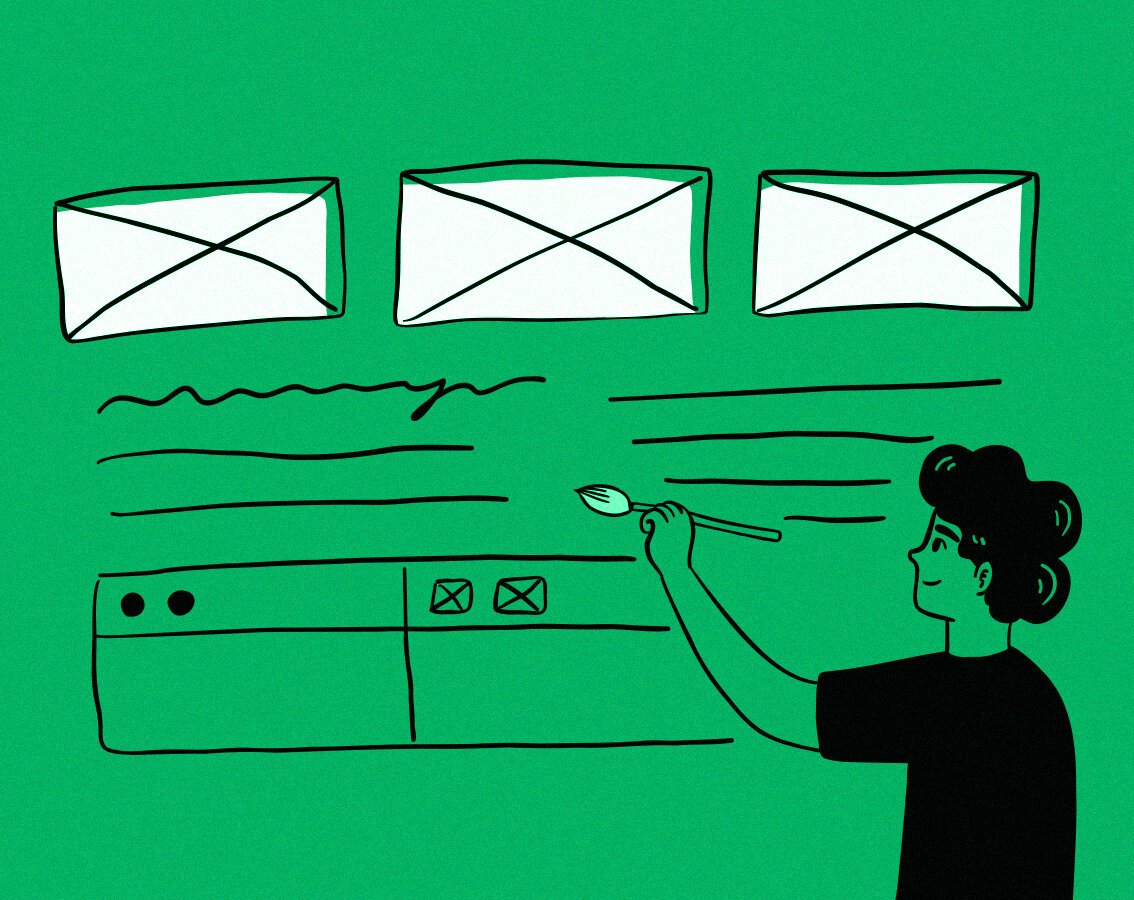
Wireframes act as functional blueprints for UX interface design.
They focus on layout and workflow rather than visual styling.
Because wireframes are low fidelity, teams can test user flows early and fix problems before development begins.
Even though AI tools accelerate prototyping in modern UI and UX design, designers still determine whether the user journey actually works.
UX vs. UI: Key Differences
Focus and Scope
The difference between UI vs UX can be summarized simply.
- UX focuses on product architecture and functionality.
UI focuses on aesthetics and visual interaction. - UX determines how a system works.
UI determines how that system looks and feels.
In modern UI and UX design, both disciplines must work together to create successful digital products.
Tools and Processes
Different toolsets support the difference between UI & UX workflows.
UI Design Tools
- Figma
- Sketch
- Adobe XD
These tools focus on visual design, interaction design, and high-fidelity prototypes.
UX Design Tools
- UserTesting
- Maze
- Amplitude
- Mixpanel
These platforms help analyze behaviour, conduct research, and optimize the user experience.
UX vs UI Designer Skills
Although many professionals develop hybrid skills, the disciplines remain distinct.
UI Skills
- Color theory and typography mastery
- Visual hierarchy design
- Motion design and micro-interactions
- Responsive layouts and design systems
- Pixel-perfect attention to detail
UX Skills
- User interviews and usability testing
- Cognitive psychology and behavioural insights
- Information architecture and content strategy
- Data interpretation and analytics-driven design
Together, these skills shape successful UI and UX design practices.
Conclusion
Understanding UI vs UX is essential for building digital products that succeed.
While user interface design focuses on visual interaction, UX interface design ensures the overall journey is logical and frictionless.
The best products emerge when UI and UX design work in harmony. Designers who understand both perspectives can create experiences that are not only visually appealing but also intuitive and efficient.
FAQs
What tools do UI designers use?
UI designers typically rely on tools such as Figma, Sketch, and Adobe XD to build high-fidelity layouts and prototypes used in UI and UX design workflows.
What tools do UX designers use?
UX designers use research and analytics tools like Maze, UserTesting, and Amplitude to study behaviour and understand the difference between UI & UX performance.
How does UI affect UX?
Strong UX interface design relies on clear visual communication. Effective UI elements help users understand navigation, actions, and system feedback.
What is a UI prototype?
A UI prototype is a high-fidelity interactive model showing how a finished product will look and function, helping teams test concepts related to UI vs UX.
Why is user research key to UX?
User research ensures UI and UX design decisions reflect real behaviour rather than assumptions.
What makes a UI/UX design accessible?
Accessibility ensures interfaces meet usability standards such as WCAG, helping all users navigate products effectively.
What is a wireframe in UI/UX?
A wireframe is a structural blueprint used in user interface design to map layout and user flow before visual styling.
What is information architecture in UI/UX?
Information architecture organizes content logically within UI and UX design, helping users find information quickly.
What are emerging UI/UX trends?
Modern UX interface design trends include AI-assisted design systems, adaptive interfaces, and data-driven personalization.
You May Also Like